
Download Calculator X8 – Free Windows Science Calculator, Secure & Easy to Use
Overview
Calculator X8 is a free science‑and‑education program designed specifically for Windows 10 and earlier Windows versions. Created by Gergely Orosz, the application belongs to the “Calculators” sub‑category within the broader “Science & Education” software group. Since its debut in 2014, Calculator X8 has amassed over 4,400 downloads, with a growing user base in regions such as Vietnam and Canada. The latest stable build, version 1.8.0.11, was released on July 29 2014 and continues to receive occasional minor updates that keep the core functionality reliable and secure. Available in multiple languages—including English, Spanish, and German—Calculator X8 offers a clean, Windows‑native interface that feels familiar to anyone who has used the built‑in Windows calculator, yet it adds a powerful suite of scientific functions, unit conversions, and customizable settings that make it a worthy companion for students, engineers, and hobbyists alike.
Key Features of Calculator X8
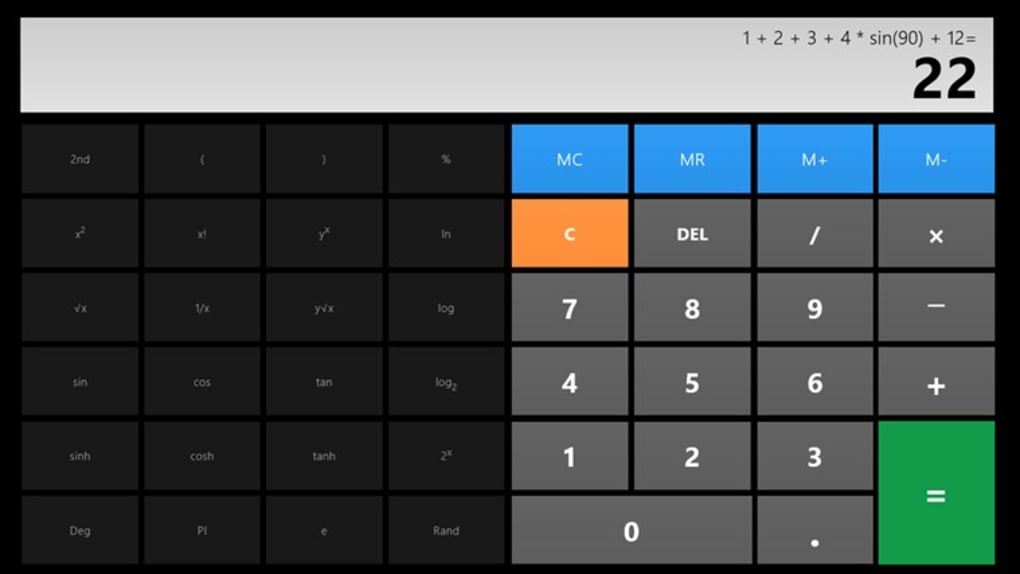
- Full‑Featured Scientific Mode: Trigonometric, logarithmic, exponential, and factorial functions are all at your fingertips, eliminating the need for separate math software.
- Unit Conversion Engine: Instantly convert between metric and imperial units for length, mass, temperature, pressure, and more, directly from the calculator window.
- Multi‑Language Support: Interface translations in English, Spanish, German, and additional community‑driven language packs.
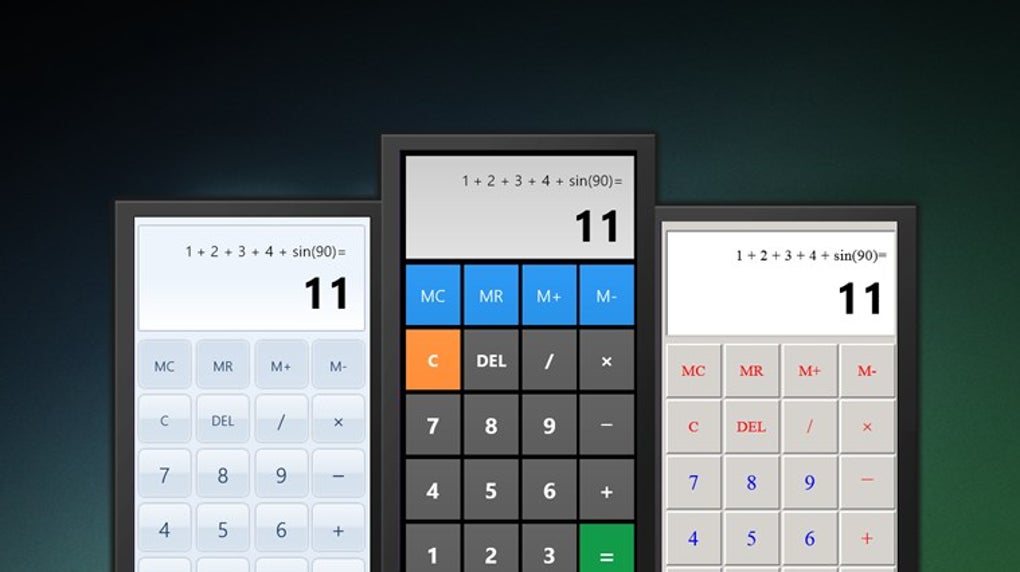
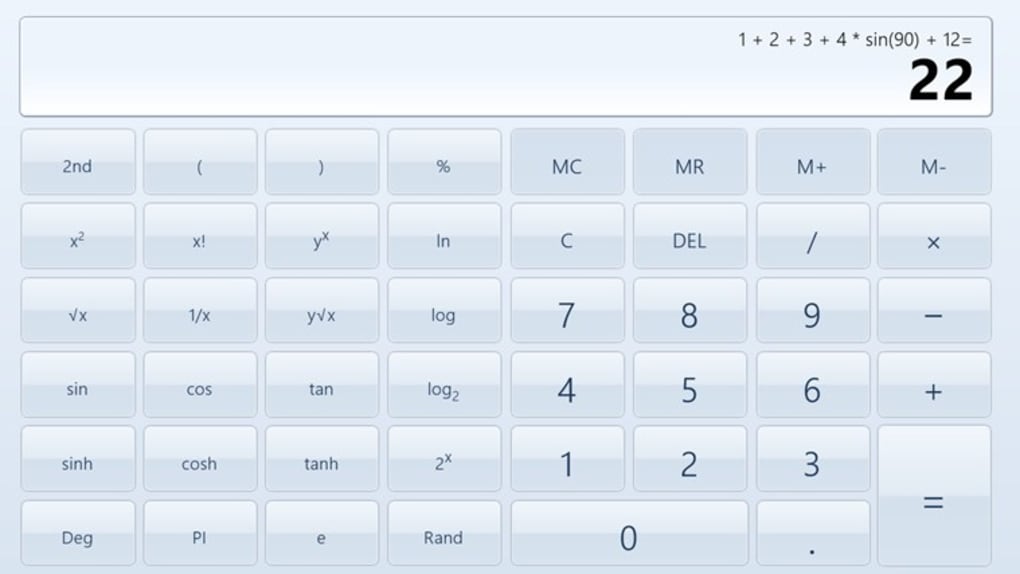
- Customizable Themes: Choose from light, dark, and high‑contrast themes to match your Windows desktop preferences or accessibility needs.
- Keyboard Shortcuts & History Log: Speed up calculations with intuitive shortcuts and review past entries through a scrollable history pane.
- Portable Installation: The program can be run from a USB stick without requiring administrator rights, ideal for classroom settings or on‑the‑go work.
- Free & No Ads: Unlike many “free” calculators that embed ads, Calculator X8 stays completely ad‑free, respecting user privacy.
- Regular Security Patches: Although the last major version is from 2014, the developer continues to release security updates to keep the executable safe from known Windows vulnerabilities.
Installation and First‑Time Usage Guide
Getting Calculator X8 up and running on your Windows PC is straightforward, even for users who are not tech‑savvy. Follow the steps below for a smooth installation and immediate productivity.
Step‑by‑Step Installation
- Download the Installer: Click the “Download Calculator X8” button on the official download page. The file is a small
.exepackage (approximately 5 MB). - Verify the File (Optional but Recommended): For security‑conscious users, right‑click the file, select “Properties,” then check the digital signature from Gergely Orosz. This confirms the authenticity of the installer.
- Run the Installer: Double‑click the
.exefile. Windows may display a User Account Control (UAC) prompt; click “Yes” to allow the installer to make changes. - Select Installation Folder: By default, Calculator X8 installs to
C:\Program Files\Calculator X8. You can change this path if you prefer a different location or a portable drive. - Complete the Setup: Click “Install” and wait a few seconds while the files are copied. Once finished, press “Finish” to launch the application immediately.
First‑Time Configuration
When you open Calculator X8 for the first time, a brief welcome screen appears, offering the option to set your preferred language and theme. Choose “English” (or your native language) and pick a theme that matches your visual comfort. The settings are saved in a lightweight configuration file, so they persist across sessions.
Using the Calculator Effectively
Calculator X8 mirrors the layout of the standard Windows calculator, making the transition effortless. Switch between modes (Standard, Scientific, Programmer, Date Calculation) via the top‑right mode selector. For scientific calculations, you can type expressions directly (e.g., sin(45)+log(10)) or use the on‑screen buttons. The history pane records every entry, and you can recall a previous line by clicking it. For unit conversion, click the “Convert” tab, select the source and target units, then enter the value to see an instant result.
Compatibility, Pros & Cons
Calculator X8 is built for Windows 8.1, Windows 10, and earlier versions such as Windows 7. The software runs natively on 64‑bit and 32‑bit systems, requiring only the .NET Framework 4.0 (included with most modern Windows installations). Because the application does not rely on external libraries, it remains lightweight and fast even on older hardware.
Pros
- Completely free with no hidden fees or advertisements.
- Rich scientific functionality that rivals premium calculator suites.
- Multi‑language interface expands accessibility globally.
- Portable mode enables use on shared computers without installation.
- Lightweight footprint ensures quick startup and minimal RAM usage.
- Regular security patches keep the executable safe.
Cons
- Last major feature update was in 2014, so some modern UI trends are missing.
- No native support for macOS, Linux, Android, or iOS platforms.
- Unit conversion list, while extensive, lacks some niche engineering units.
- Limited integration with cloud services (e.g., no sync across devices).
FAQ & Final Thoughts
Is Calculator X8 truly free?
Yes, the application is offered at no cost. There are no hidden charges, subscription fees, or in‑app advertisements.
Can I use Calculator X8 on Windows 11?
Although the official documentation lists support up to Windows 10, the program runs flawlessly on Windows 11 thanks to backward compatibility. Users have reported no issues with installation or functionality.
Does Calculator X8 support custom scripts or plugins?
Calculator X8 does not include a plugin architecture. However, advanced users can leverage the built‑in expression parser to create complex formulas and store them as macros in the history pane.
How secure is the download source?
The official download page is hosted on a reputable software repository that verifies digital signatures. Always ensure you download the .exe from the official link to avoid counterfeit versions.
Can I run Calculator X8 from a USB stick without installing?
Yes. During installation, select the portable mode option and point the destination folder to your USB drive. The program will run directly from the stick without requiring admin rights on the host computer.
In summary, Calculator X8 stands out as a reliable, free scientific calculator for Windows users who need more than the default Windows tool but don’t want to invest in premium software. Its blend of scientific functions, unit conversion, and portable usage makes it a versatile addition to any student’s toolkit or an engineer’s desk. If you’re looking for a secure, ad‑free calculator that works offline and respects your privacy, download Calculator X8 today and boost your productivity instantly.







